Research that ends in a decision.
Original guidance for real buying questions. Learn what matters, where value stops, and when keeping your money is the better move.
PC Builds
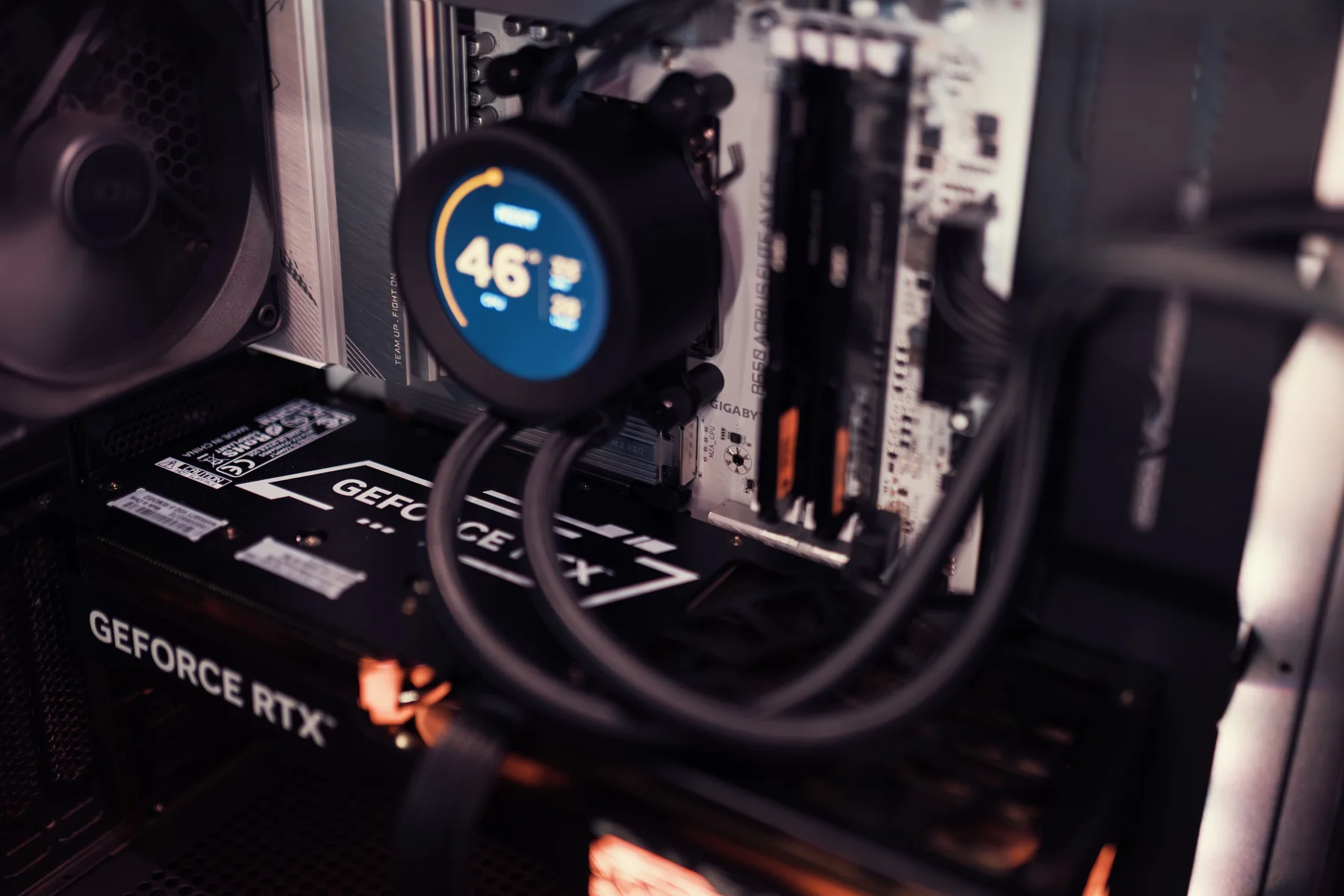
What PC Specs Do Electrical Engineering Students Actually Need?
Right-size a PC for MATLAB, programming, CAD, simulation, FPGA development, and electrical-engineering coursework.
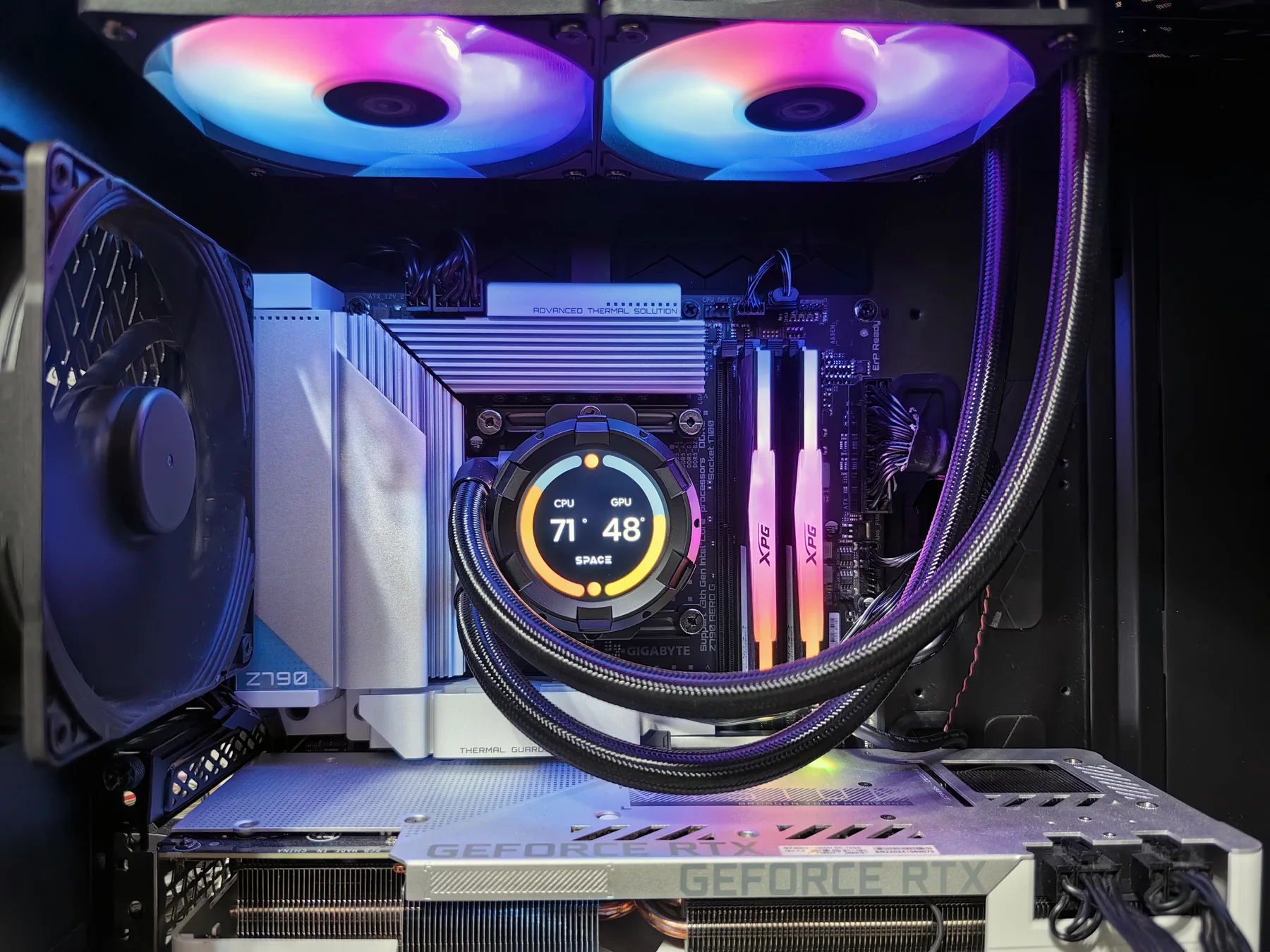
$1,200 Gaming PC Build Guide
Plan a balanced $1,200 gaming PC around GPU value, sensible CPU support, and upgrade-ready fundamentals without fake live prices.
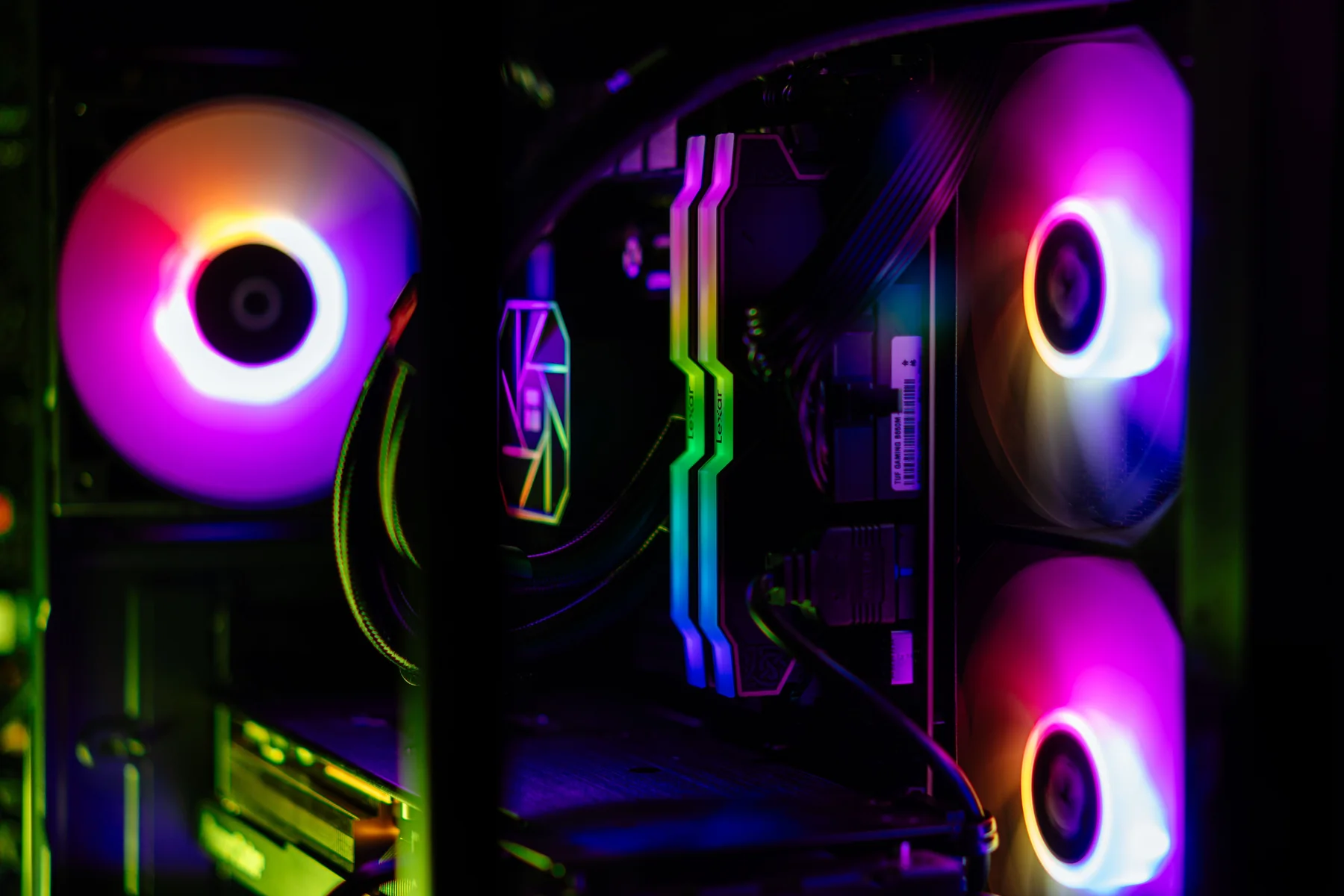
$1,500 1440p Gaming PC Build Guide
Allocate a $1,500 PC budget for 1440p gaming, high refresh, GPU value, CPU balance, and practical upgradeability.
$1,800 High-Refresh Gaming PC Build Guide
Move onto the AM5 platform at $1,800 for confident high-refresh 1440p and a real entry into 4K, without overspending on parts the display cannot use.
$2,000 High-End All-Rounder Build Guide
See what an extra $200 over the $1,800 tier actually buys, and decide honestly whether the 2TB storage bump is worth it before your next upgrade.
$2,500 4K Gaming PC Build Guide
Step up to a CPU and GPU pairing that is genuinely built for 4K, and the 1000W power class that supports it, without chasing diminishing returns.
$3,000+ Halo Workstation Build Guide
The top of BuildGauge's PC ladder: what the $3,000 tier changes over $2,500, and why BuildGauge will not automatically upsell you past it.
Best PC for Streaming: What Actually Matters
Build a PC that can game and stream at the same time by prioritizing the encoder, CPU headroom, and memory instead of chasing pure gaming benchmarks.
Video Editing PC Build Guide
Build a PC for video editing by prioritizing CPU/GPU balance for your editor, memory capacity, and fast large-capacity storage over pure gaming benchmarks.
GPU Tiers Explained: What Separates Entry, Midrange, and Flagship Cards
Understand what actually separates entry, midrange, high-end, and flagship graphics cards so a GPU purchase matches the resolution and refresh rate you actually use.
DDR4 vs DDR5: Do You Need to Upgrade Platforms?
Decide whether moving from DDR4 to DDR5 is worth a full platform upgrade, or whether staying on AM4 and DDR4 still makes sense for your build.
How Much SSD Do You Actually Need?
Right-size SSD capacity for gaming, video editing, and everyday use so you neither run out of space every month nor pay for capacity that never fills.
AM4 vs AM5 Explained: Which Platform Should You Build On?
Understand the real tradeoffs between AMD's mature AM4 platform and the newer AM5 platform so a PC build matches its budget and upgrade goals.
PSU Wattage and Quality Tiers Explained
Size a power supply correctly by wattage and efficiency rating, and understand why a quality PSU protects the rest of the build rather than just powering it.
Engineering Tech

Best Laptop for Electrical Engineering Students
A practical electrical-engineering laptop guide for MATLAB, circuit simulation, programming, CAD, portability, and battery life-without defaulting to a workstation.
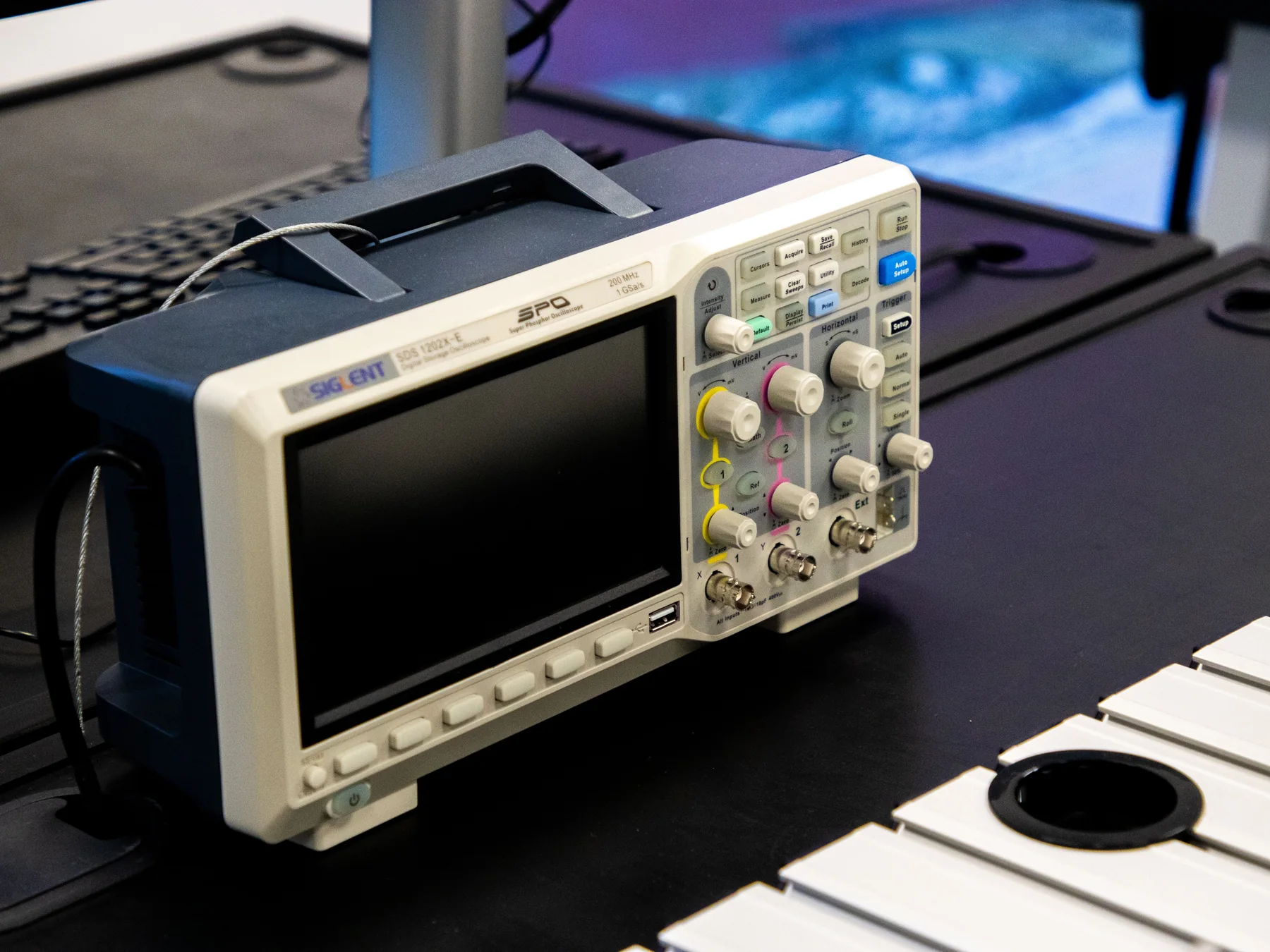
Do Engineering Students Need an Oscilloscope?
When an engineering student should use the university lab, wait, or buy a personal oscilloscope for recurring electronics work.
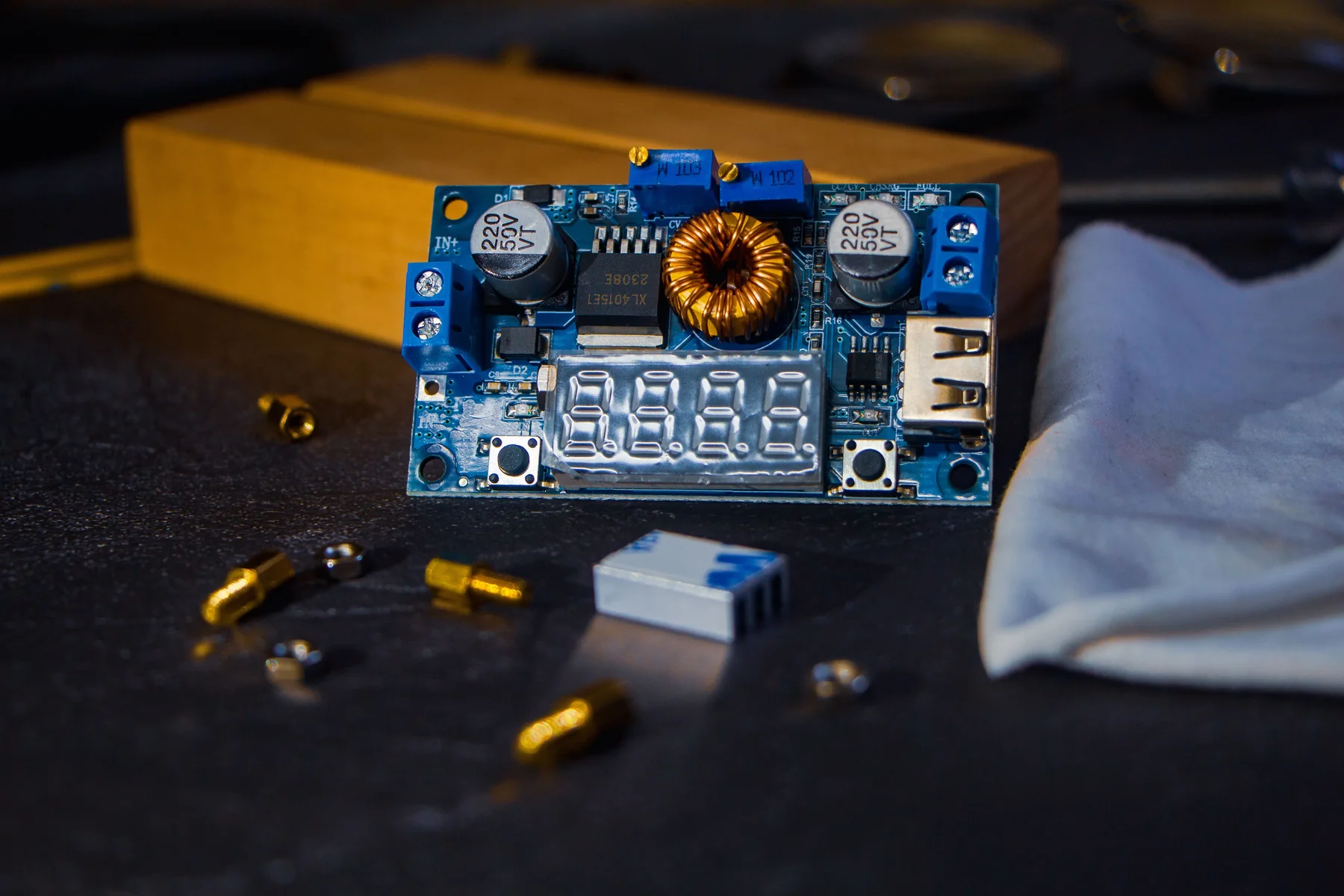
Best FPGA Board for Beginners
Choose a beginner FPGA board by coursework, HDL, toolchain, I/O, and learning goals instead of buying the largest device.

What Tech Should a First-Year Engineering Student Actually Buy?
A buy-now, wait, optional, and skip-for-now guide to first-year engineering laptops, calculators, monitors, tablets, tools, and lab hardware.
Desk & Workspace
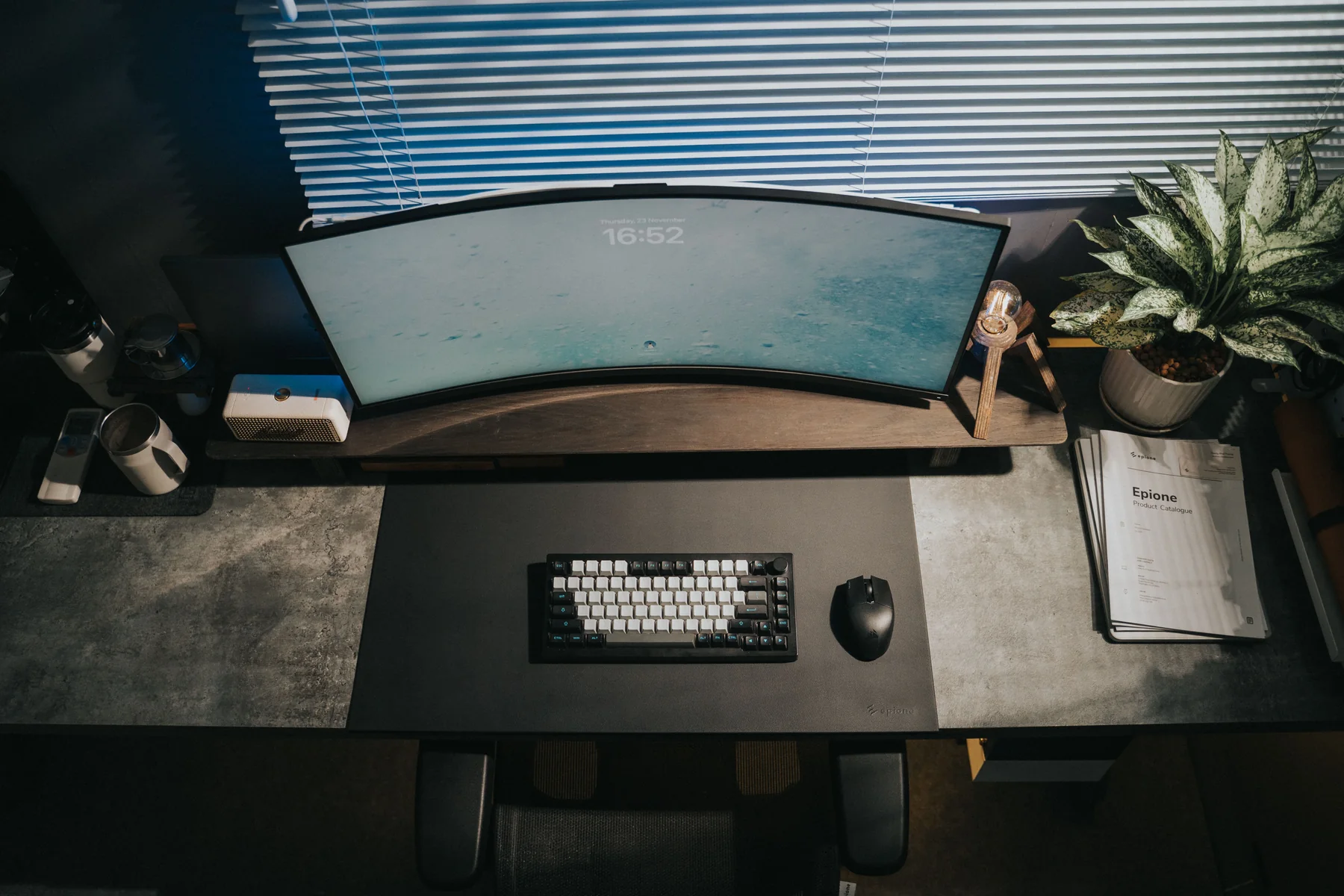
Best Monitor for Engineering and Gaming
Choose one monitor for CAD, programming, productivity, and gaming by balancing 1440p, refresh rate, size, connectivity, and budget.
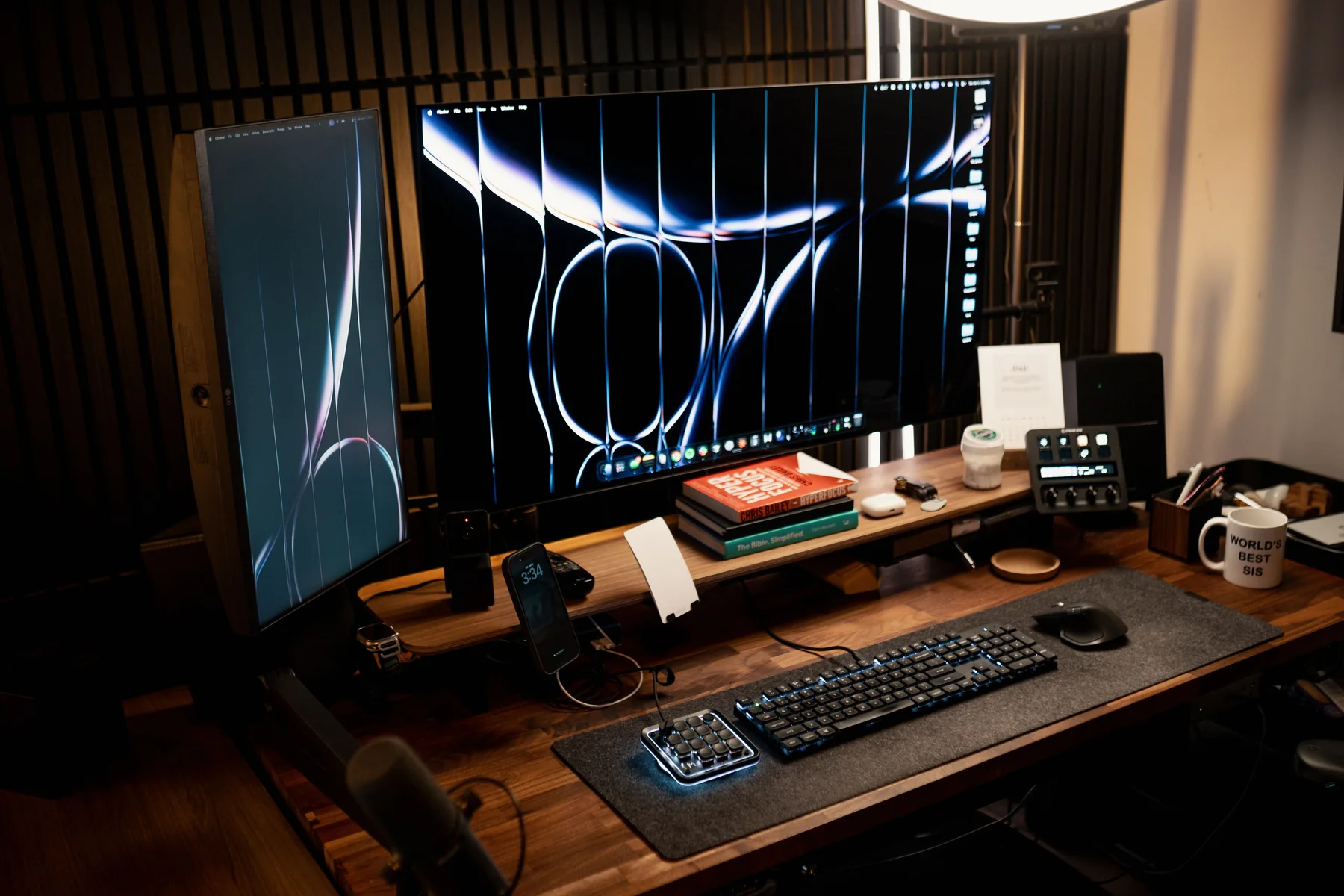
Do You Actually Need Two Monitors?
Decide between one monitor, two monitors, an ultrawide, or a laptop-plus-monitor setup based on workflow, desk space, and budget.
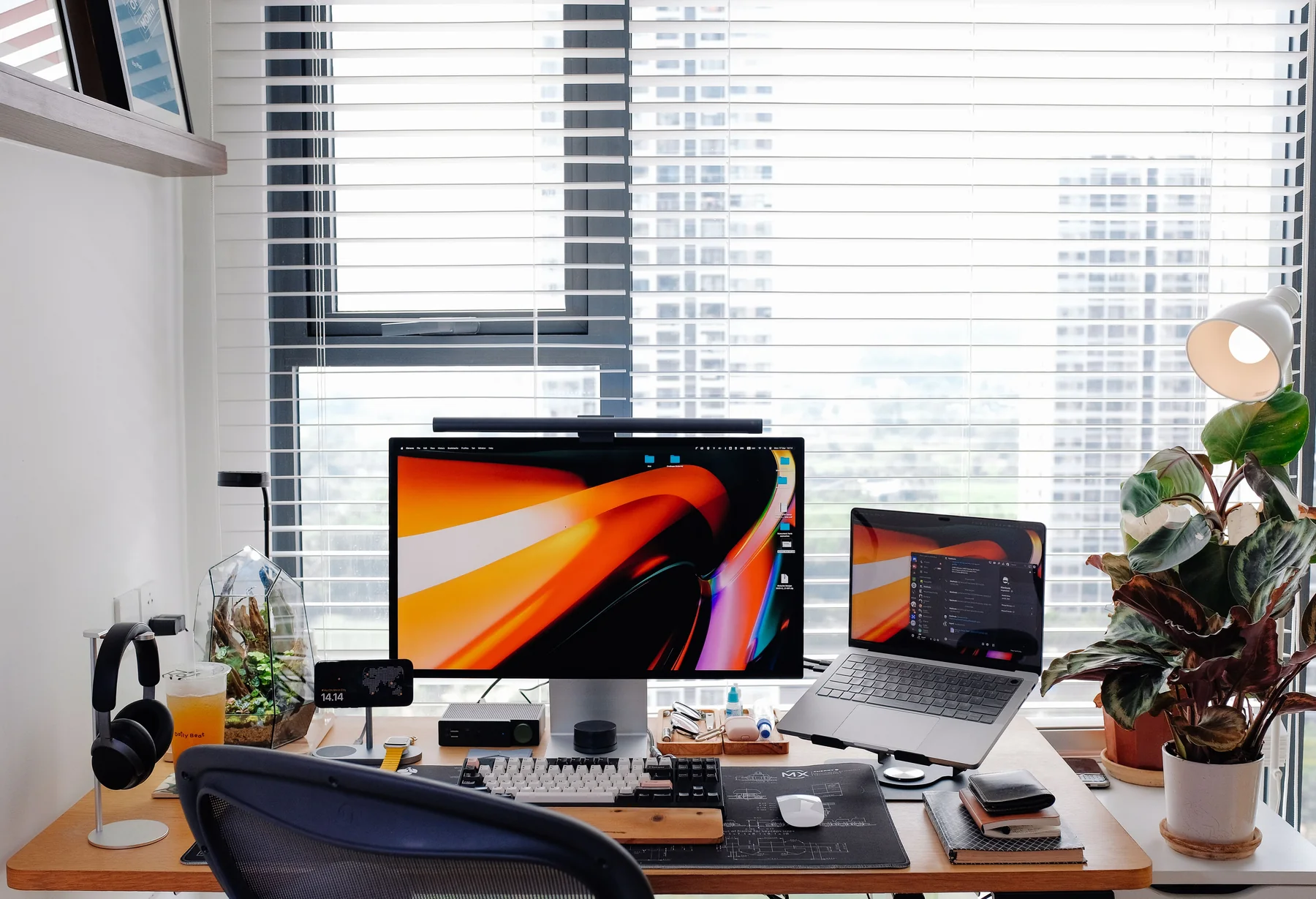
Best Desk Setup for Engineering Students
Build an engineering-study workspace around the monitor, chair, input devices, laptop stand, dock, lighting, and equipment you actually use.
Best Desk Setup for Small Spaces
Build a functional desk setup in a dorm room, studio apartment, or shared bedroom by prioritizing footprint, a single strong monitor, and gear that earns its shelf space.
Best Desk Setup for Content Creators
Build a desk setup for streaming, video, and podcast creation by prioritizing microphone, lighting, and webcam quality alongside the desk and monitor.