Best FPGA Board for Beginners
Choose a beginner FPGA board by coursework, HDL, toolchain, I/O, and learning goals instead of buying the largest device.
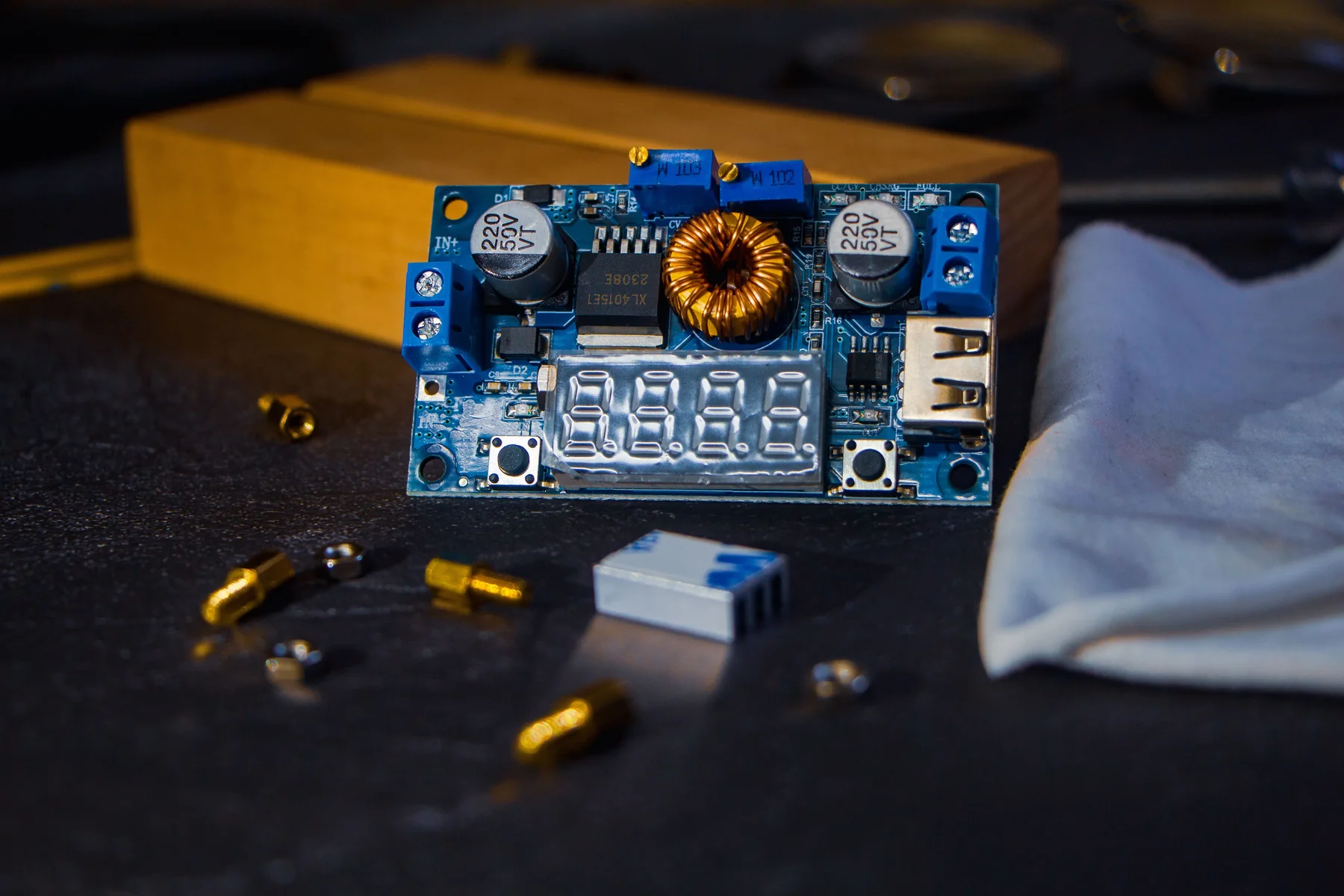
- Published
- August 12, 2026
- Last updated
- August 12, 2026
- By
- BuildGauge Editorial
There is no universal beginner board
The best first FPGA board is the one that matches your course toolchain, teaching material, and project I/O. A board can be excellent in isolation and still be the wrong purchase if your class examples target another device family.
Start by checking whether the curriculum uses Verilog or VHDL, which vendor tools are supported, and whether the lab already lends boards. That decision is more important than maximizing logic resources.
What beginners should prioritize
Visible I/O makes early digital-logic work easier. LEDs, buttons, switches, clock sources, and accessible headers let you test state machines and small interfaces without building extra hardware first.
Documentation and a stable toolchain reduce friction. An inexpensive board with clear tutorials can teach more than a professional platform whose capabilities remain unused.
| Need | Why it matters | Avoid overbuying |
|---|---|---|
| Course toolchain | Examples compile and instructors can help | Do not switch families for specifications alone |
| Useful onboard I/O | Immediate feedback for logic exercises | More connectors are not always more useful |
| Documentation | Reduces setup ambiguity | Community hype cannot replace course fit |
| Room to grow | Supports a few later projects | Advanced transceivers rarely help beginners |
Three sensible board classes
A small open-toolchain board can be a strong low-cost learning option. An education-focused board with many switches and displays can fit structured coursework. A somewhat larger development board is worthwhile when a course or defined project needs its memory, interfaces, or ecosystem.
These are different use cases, not a simple good-better-best ladder. BuildGauge references active catalog products as examples but lets requirements decide the rank.
Toolchain and computer compatibility
Before buying, confirm the programming cable, drivers, operating system, synthesis tools, and license requirements. Some environments require substantial downloads or have platform-specific behavior.
If the university standardizes a particular board, following that standard often provides more value than selecting a technically stronger alternative that instructors cannot support.
First decide whether the project needs an FPGA
A microcontroller executes instructions on a processor; an FPGA lets you describe hardware that can operate in parallel. Blinking an LED, reading a sensor, or controlling a simple motor may be faster and cheaper on a microcontroller. Digital logic, custom timing, hardware pipelines, and learning HDL are stronger reasons to choose an FPGA. Using the wrong platform can turn a beginner project into a toolchain exercise.
If the course teaches Boolean logic, state machines, computer architecture, Verilog, or VHDL on a named board, follow that target. For a personal project, identify what must happen concurrently or at precise timing. If no requirement points to configurable logic, begin with a microcontroller and keep the FPGA budget until the learning goal is explicit.
Read a board specification in the right order
Start with device family and tool support, then programming connection, clock sources, onboard I/O, external voltage standards, and documentation. Logic-cell count matters only after those basics fit. Beginners benefit from switches, LEDs, buttons, and seven-segment displays because they make internal state visible without extra wiring. Headers matter when a defined peripheral or breadboard interface is part of the plan.
Check whether the USB cable also powers and programs the board, whether a separate supply is required, and what voltages the pins tolerate. Do not assume a connector protects the device from incorrect wiring. A board used in class gains practical value from known examples, working constraint files, and instructors who can distinguish HDL problems from setup problems.
| Board class | Best fit | Tradeoff |
|---|---|---|
| Small open-tool board | Self-study and compact digital-logic projects | Fewer onboard teaching peripherals |
| Education-focused board | Structured courses and visible I/O exercises | Higher cost and larger footprint |
| Expandable development board | Defined interfaces or later embedded systems | More tool and platform complexity |
A progression that exposes real requirements
Begin with a clock divider, debounced input, counter, or traffic-light state machine. Move to serial communication, a simple display controller, or a small processor only after simulation and constraints feel routine. This sequence teaches how combinational logic, sequential state, timing constraints, and physical pins connect. It also reveals whether more memory, I/O, or vendor IP would actually help.
Simulation should happen before programming the board. A testbench can expose logic mistakes without blaming cables or pin assignments. Version the HDL and constraint files, record the tool version, and change one variable at a time. These habits create more learning value than buying a second board when the first setup does not work immediately.
Examples from the current BuildGauge catalog.
These examples illustrate the product classes discussed above. The advisors rank products from your complete answer set.
iCESugar ICE40UP5K FPGA Board
A low-cost open-toolchain board for motivated beginners learning HDL without buying more FPGA than an introductory project needs.
- Typical planning range
- $70-$100
Digilent Basys 3
The onboard switches, displays, and teaching-oriented layout make this a strong course board when the class uses Xilinx Vivado and Artix-7 hardware.
- Typical planning range
- $140-$180
Digilent Arty A7-35T
A broader prototyping platform for embedded processors, networking, and more advanced digital systems after the basics are established.
- Typical planning range
- $145-$190
Some links on this page may be affiliate links. BuildGauge may earn a commission if you purchase through them at no additional cost to you. Recommendations are selected independently.
As an Amazon Associate I earn from qualifying purchases.
Turn the guidance into one clear answer.
Tell BuildGauge your budget, existing equipment, and priorities. Every prefilled answer can be changed.